Your kitchen, your rules.
Gather all your recipes,
Savoria adapts them to your kitchen.
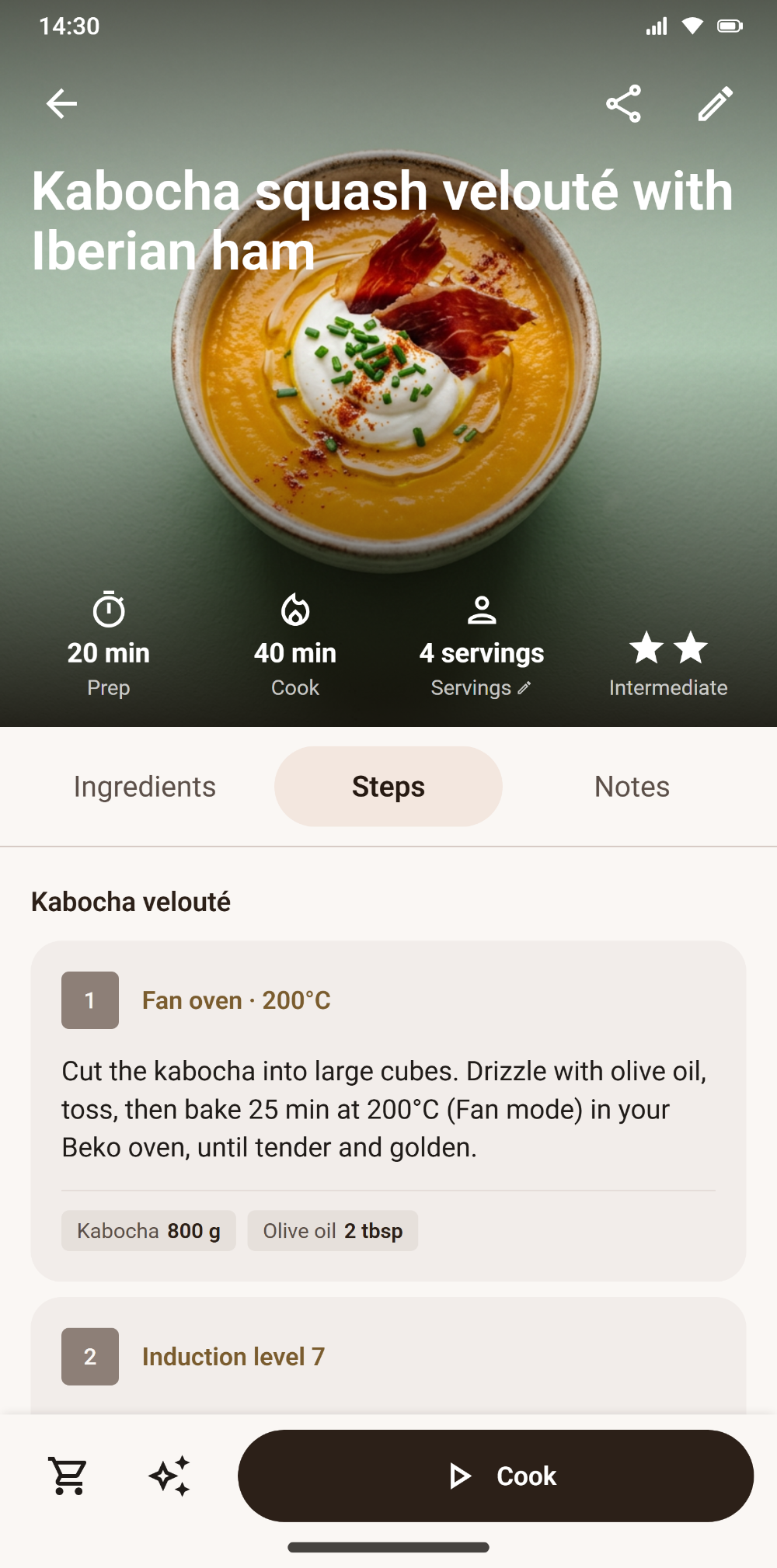
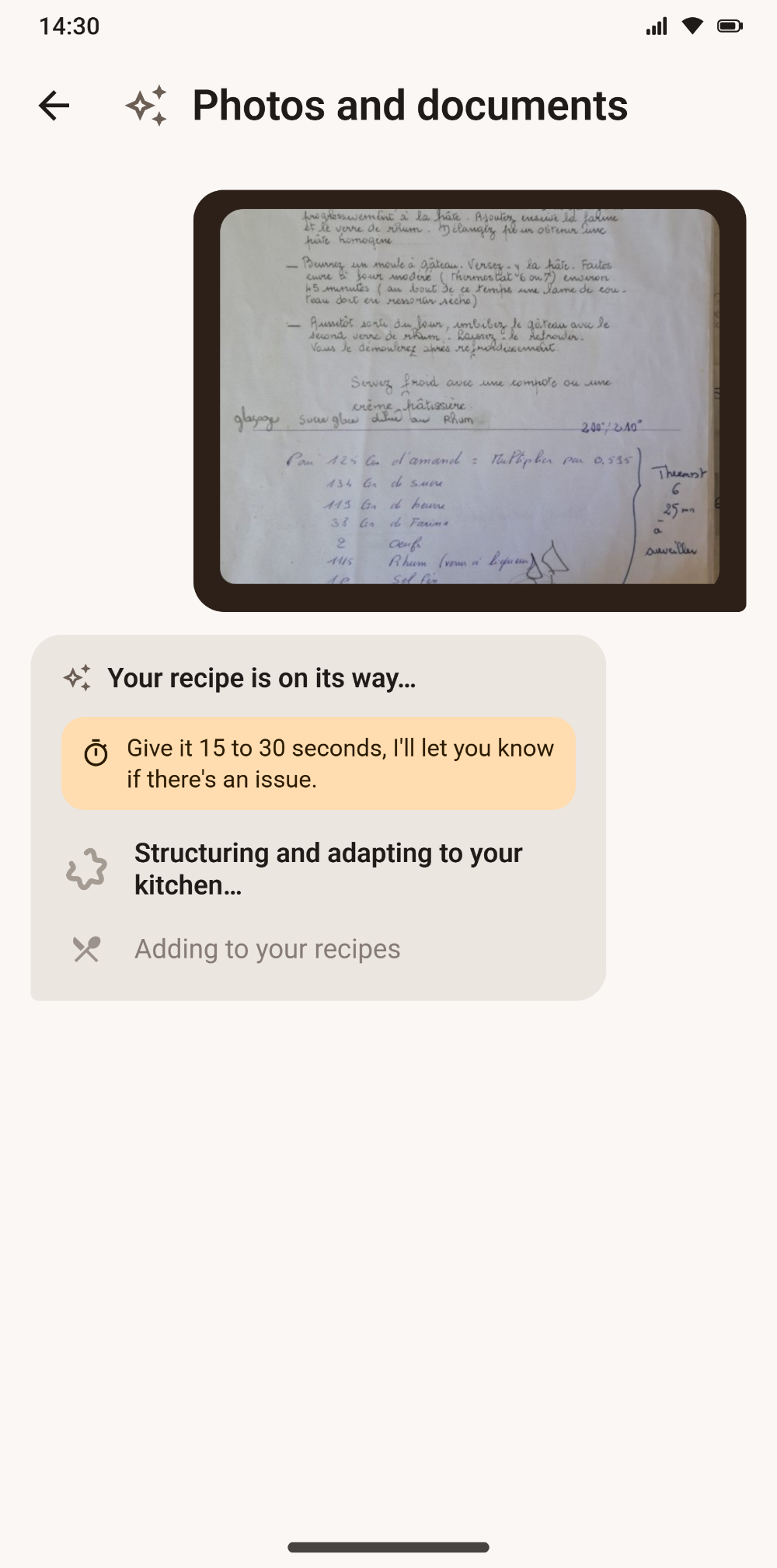
A link, a photo of your notebook, a PDF or an Instagram, TikTok, YouTube video: the AI Chef turns it into a clean recipe card, adapted to your gear. Then it guides you step by step.

 Coming soon
Everything you need
One app, from fridge to plate.
Every step of cooking, assisted by AI — designed to save you time without sacrificing taste.
Import from anywhere
A link, a photo of your notebook, a PDF, an Instagram, TikTok or YouTube video — Savoria turns it into a clean, structured card, even in another language.
Adapted to your kitchen
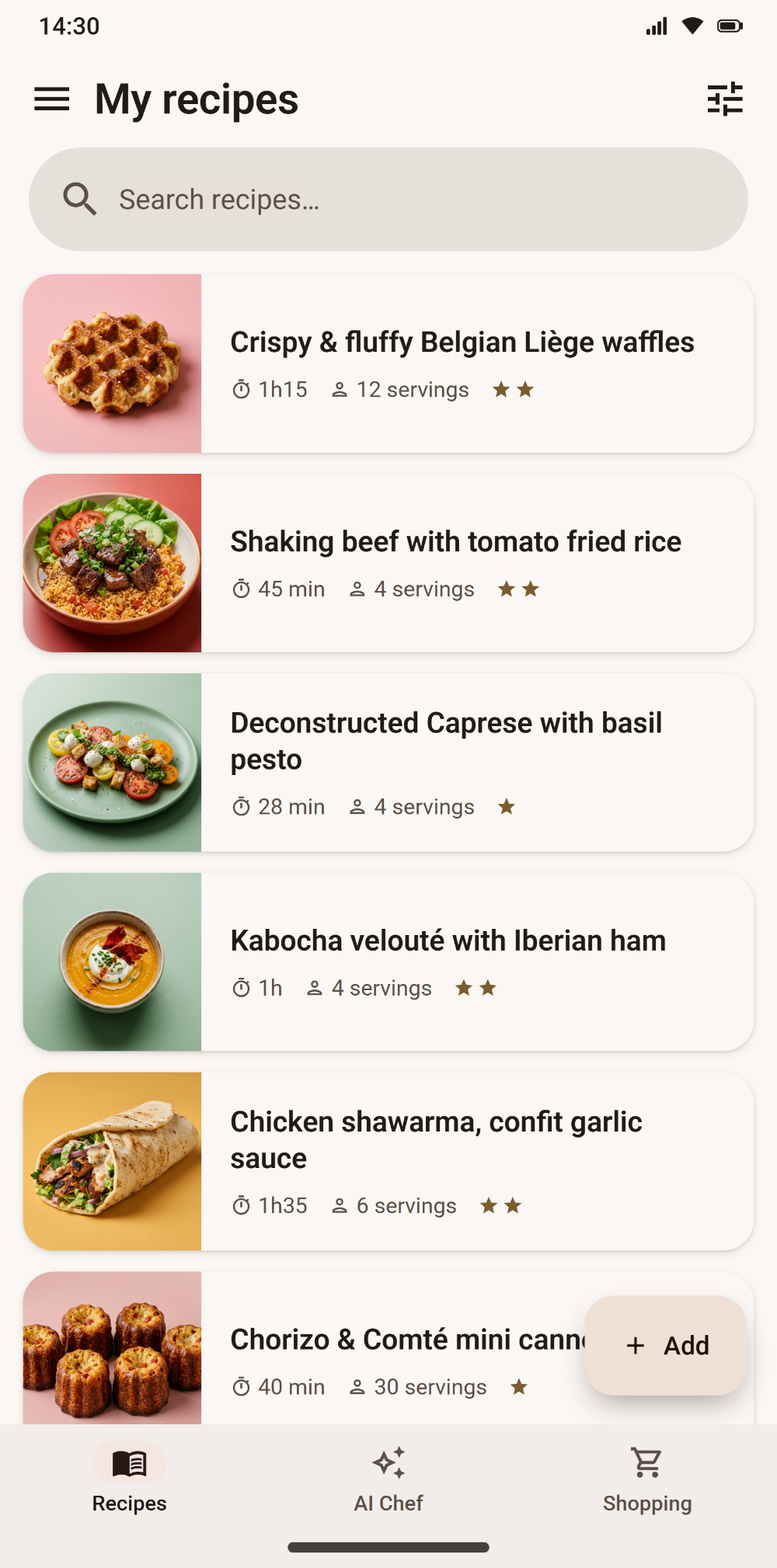
No two ovens cook alike. Set up your equipment and Savoria rewrites the times and settings for your actual gear, so the dish comes out right the first time. No more "set your Thermomix" when you don't own one.
An AI Chef in your pocket
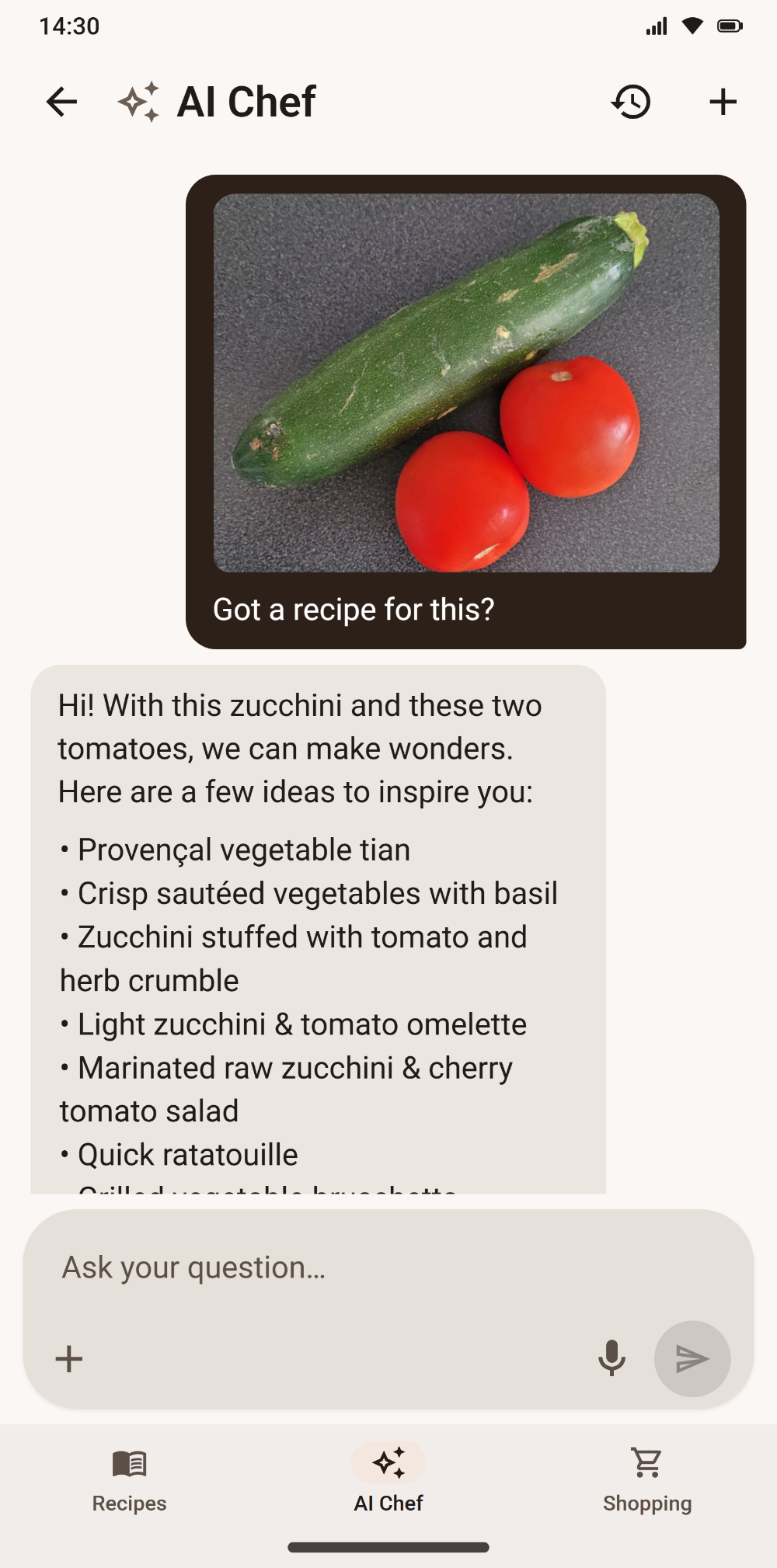
Ideas from what's in your fridge, a recipe adapted to your diet, an ingredient swapped — and the conversation becomes a saved recipe.
Your recipe, your way
"Make it vegetarian", "no oven", "less salt": just ask, and the AI Chef shows you what would change before applying it. Anything you didn't ask about stays put — and you can keep both versions.
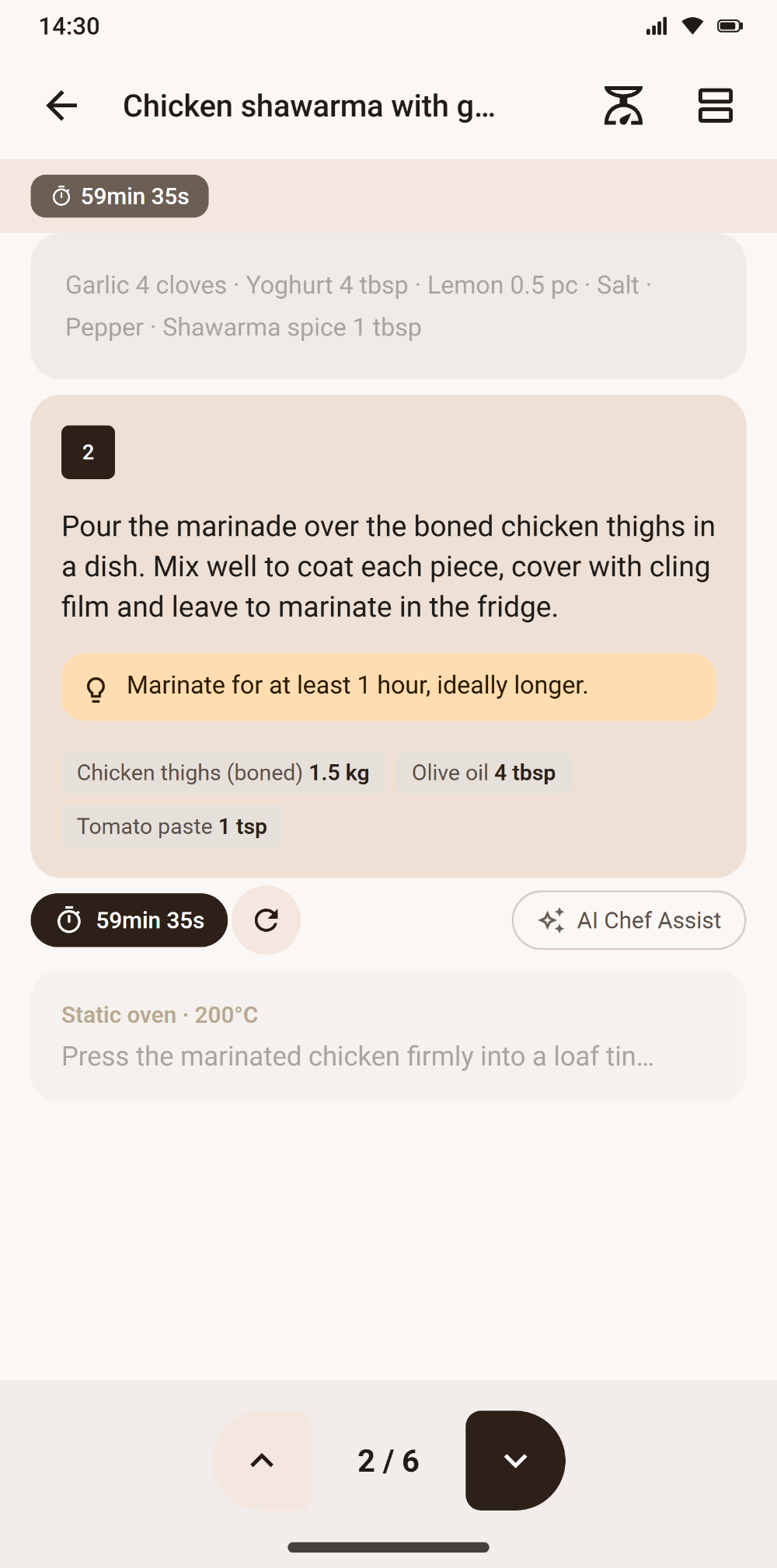
Step-by-step cooking mode
Full-screen steps, ingredients recalled at the right moment, timers that ring even with the app closed or the phone locked.
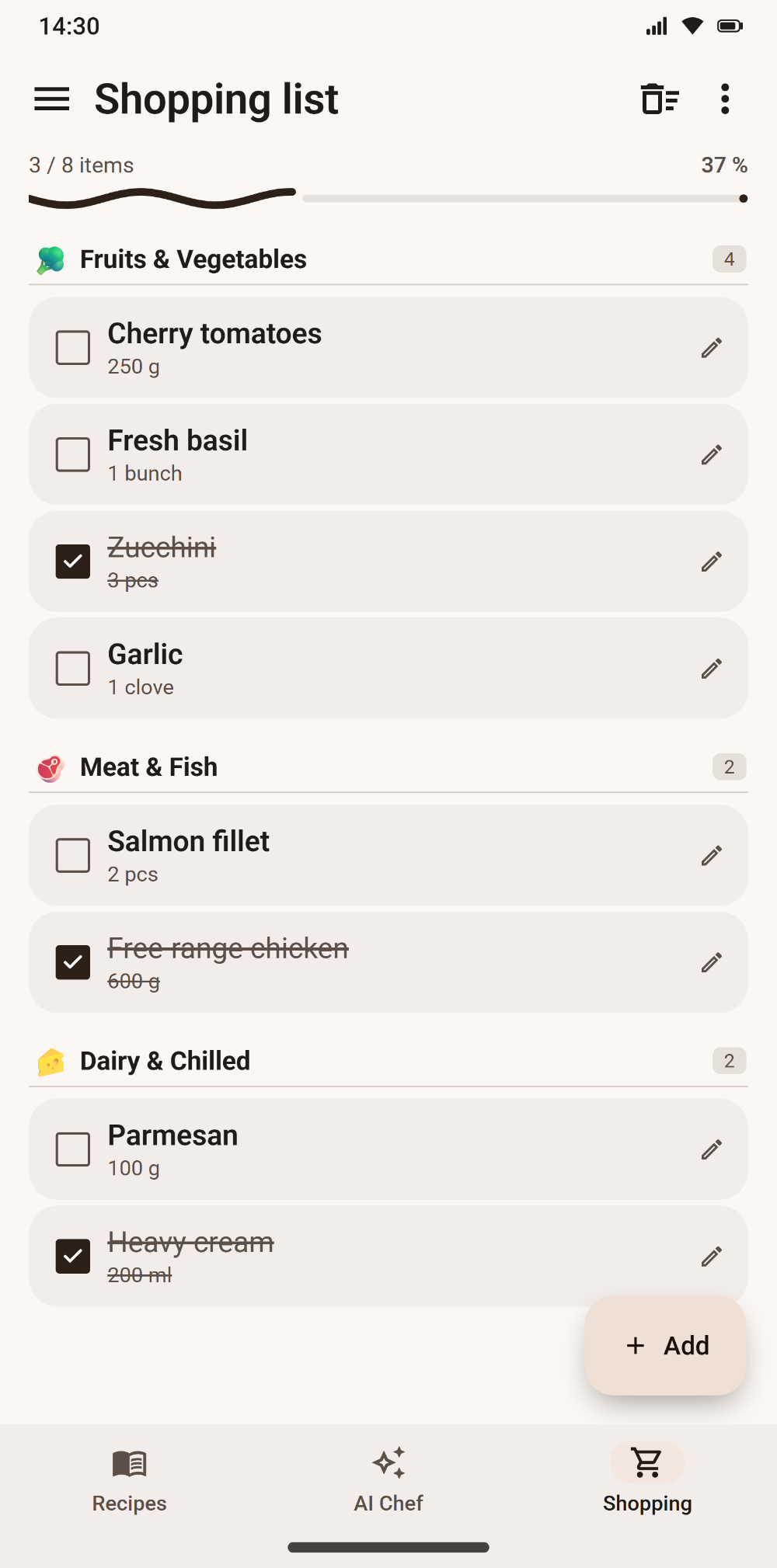
Shopping list
Add in plain language: Savoria sorts by aisle, merges duplicates and converts quantities.
Real-time sharing
Recipes, shopping lists and addresses shared live with your people.
A glimpse
The app at a glance.
Swipe to browse →
Frequently asked questions